


A head-up display, or HUD, places key driving information in your forward view, so you can check details such as speed without looking down at the dashboard. Depending on the vehicle, it may also show navigation directions and selected driver-assistance alerts.
For Dubai drivers, the useful question is whether that information is clear in bright daylight, comfortable to read and compatible with the navigation they use.
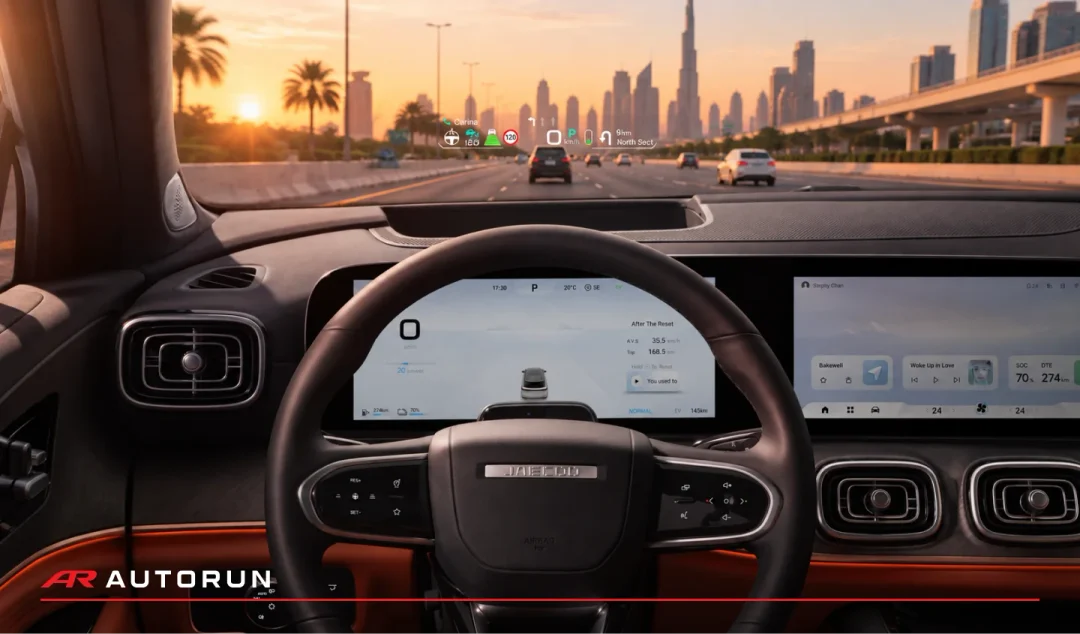
How Does a Head-Up Display Work?
A windscreen-based HUD uses a projector and optics inside the dashboard to reflect an image towards the driver. The information appears to float ahead of the vehicle rather than sit on a conventional dashboard screen.
Some systems use a small transparent panel above the dashboard instead of the windscreen.
The purpose is to make frequently checked information easier to glance at. A HUD can reduce how often you look down, but you still need to watch traffic, road signs and your surroundings.
What Can a Head-Up Display Show?
Depending on the model and equipment, a HUD may display:
- Vehicle speed
- Navigation directions, such as an upcoming turn
- Cruise-control or driver-assistance status
- Selected warnings or recognised speed limits
Not every system offers all these functions. Some let you choose which information appears, while others provide a more fixed layout.
Navigation compatibility is particularly worth checking. A map appearing on the central touchscreen does not automatically mean its directions will also appear on the HUD.
| Feature | Digital Instrument Cluster | Head-Up Display |
|---|---|---|
| Position | Behind the steering wheel. | In the driver’s forward view. |
| Main role | Shows the vehicle’s main driving information. | Makes selected details easier to glance at. |
| Typical content | Speed, fuel or battery level, vehicle status and warnings. | Speed, supported navigation and selected alerts. |
| What to check | Clear layout and readable information. | Comfortable image position, clarity and useful content. |
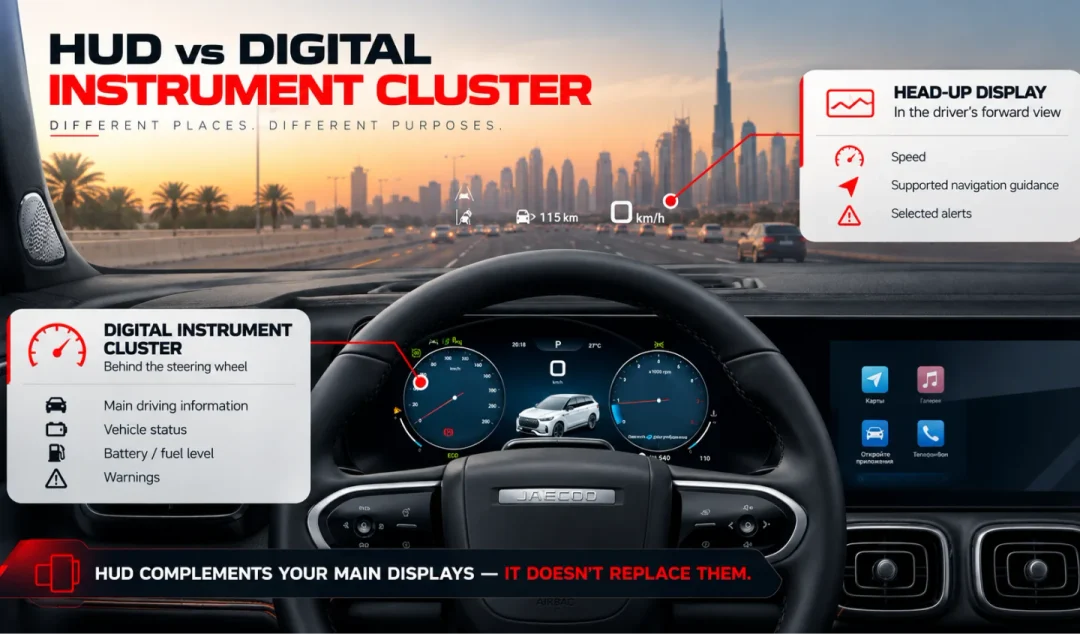
A HUD complements the other screens. You will still use the instrument cluster and central display for information and controls that it does not show.
What Is an Augmented Reality Head-Up Display?
An augmented reality head-up display, or AR-HUD, can place graphics so they appear connected to the road ahead. Supported navigation arrows, for example, may appear aligned with the route or turn you need to follow.
A conventional HUD generally keeps information within a fixed display area. AR-HUD adds a spatial relationship between some graphics and the scene outside. The functions vary by system, so ask to see them demonstrated rather than judging by the name alone.
Four Things to Check During a Test Drive
Adjust your seat and steering wheel first, then set up the HUD while parked.
1. Can You Read It from Your Normal Driving Position?
You should be able to see the whole image without leaning or changing your posture. Check the height adjustment and whether the display remains comfortable to read once you are driving.
2. Is It Clear in Bright Daylight?
Take the vehicle outside the showroom. Look for clear, readable information against the road ahead, and check the brightness controls. The display should be visible without feeling distracting.
3. Does It Work with Your Sunglasses?
Bring the pair you normally wear. Polarised lenses can make some HUDs harder to see, and visibility can also change with seating position and lighting. Testing your own glasses is more useful than assuming they will work well with every system.
4. Does It Support Your Navigation Setup?
Ask which navigation system supplies the HUD directions. If you normally use a phone app through Apple CarPlay or Android Auto, have the team demonstrate that exact setup.
Also check whether you can simplify the display by hiding information you do not need.
Is a Head-Up Display Worth Having?
A HUD is worth considering if it makes speed and navigation easier to check on your regular journeys. Its value comes from clear, useful information—not simply the size of the projected image or the number of graphics it can show.
When exploring the JAECOO J8, ask AUTORUN to confirm the display equipment available on your chosen trim. You can book an OMODA & JAECOO test drive in Dubai to assess the driving position, screen visibility and controls for yourself.
